Find your forecast
Search a US city or use location to jump to the nearest forecast page.
All 373 US locations are listed below.
Open a local forecast, compare geomagnetic conditions with city threshold, then confirm clouds and darkness. Guidance, not a guarantee.
Check your local Kp threshold, cloud cover, and darkness window before heading out.
Search a US city or use location to jump to the nearest forecast page.
All 373 US locations are listed below.
Season, hours, and sky conditions make the difference.
Season controls how much darkness is available; geomagnetic activity and local weather can vary at any time.
Use local twilight and current conditions instead of a universal hour window.
Low clouds and a dim moon often matter more than a small Kp increase.
Each region shows the typical Kp needed. Tap a city for the local forecast.
Arctic nights and high magnetic latitude make Alaska the top U.S. aurora region.
Northern latitudes plus dark coastlines offer the best Lower 48 visibility.
High elevation and clear horizons improve storm-night viewing.
Wide horizons help during strong geomagnetic activity.
Best when Kp is elevated and skies are clear.
Coastal dark-sky spots can deliver during major storms.
Strong storms and very dark skies are required farther south.
Every state with its lowest local Kp threshold and the cities we forecast.
Quick access with local Kp thresholds.
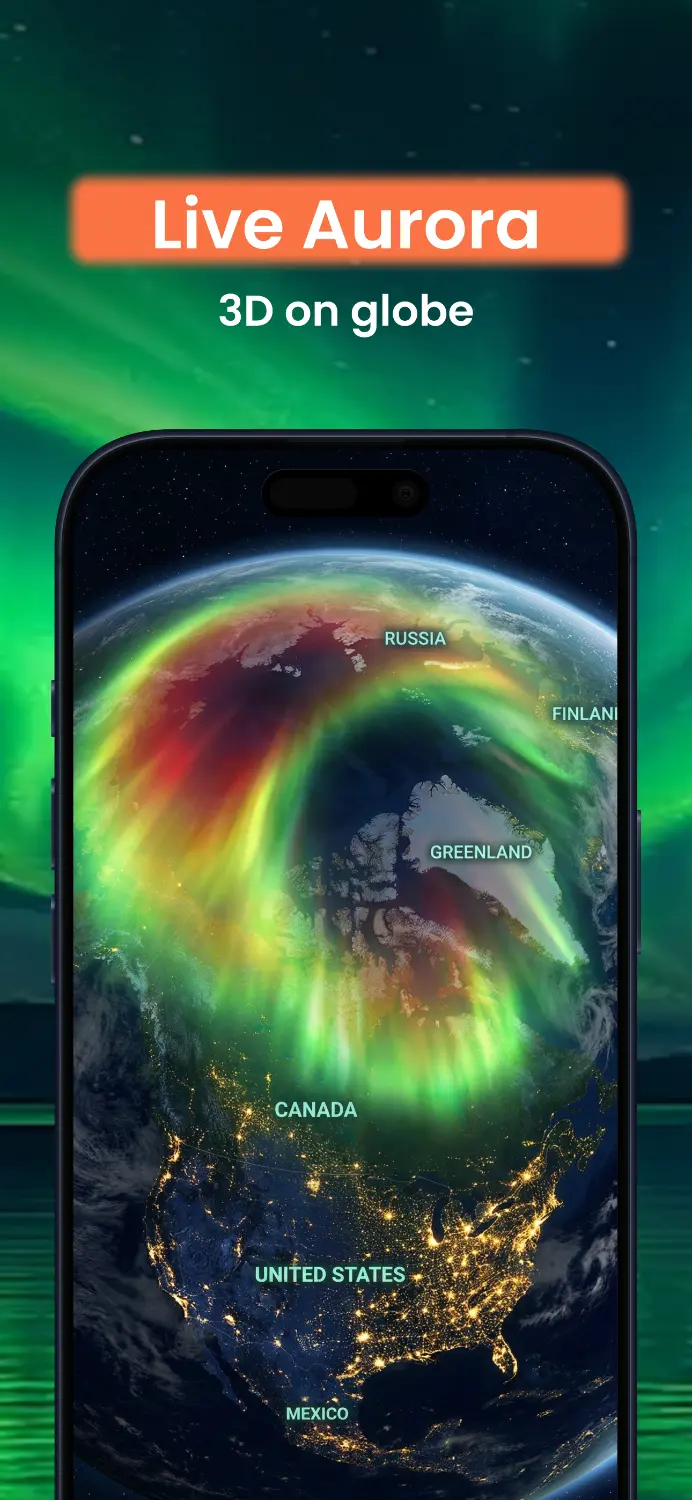
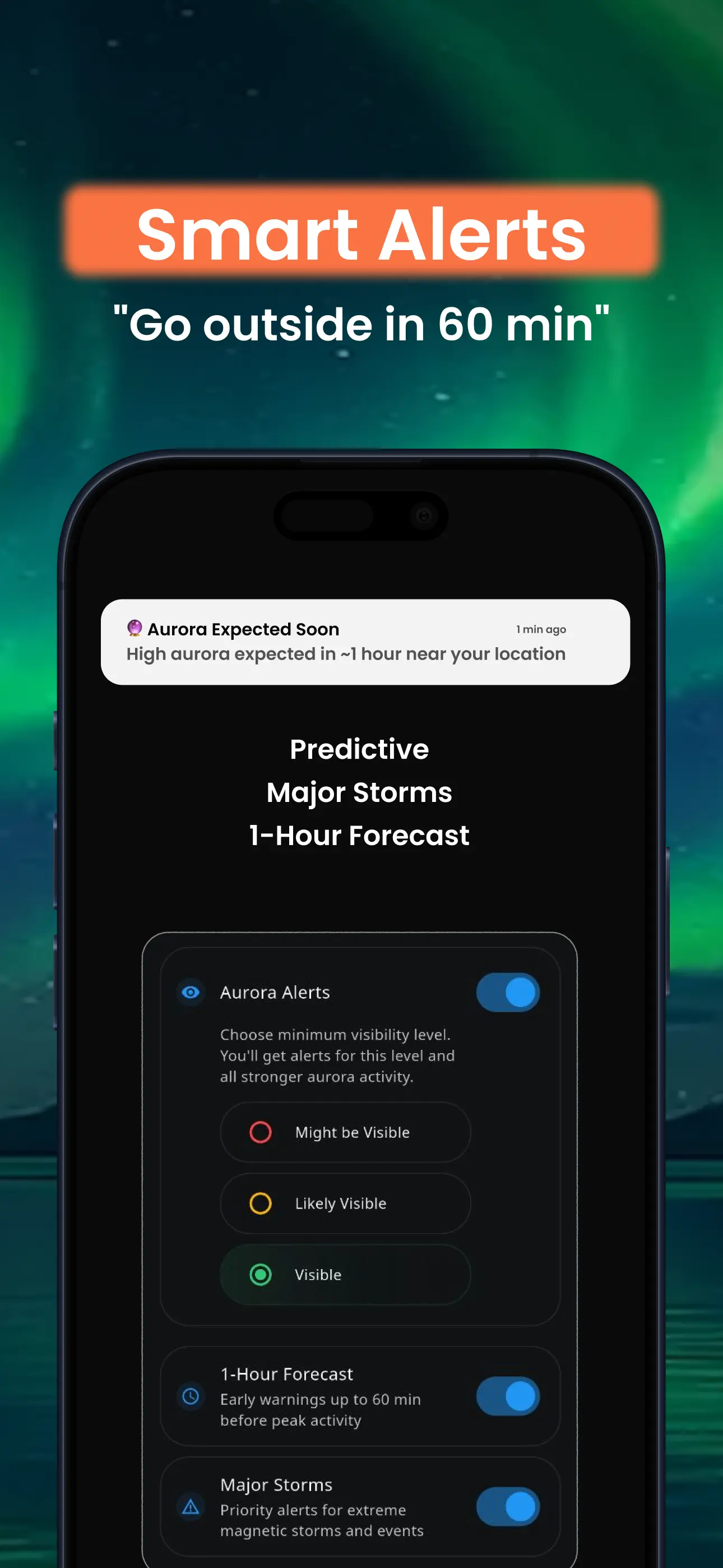
Get instant alerts when aurora appears tonight in the USA. Track Kp index, clouds, and moon phase in real-time. 72-hour forecast shows best viewing times.

Required KP depends on your magnetic latitude (MLAT). Higher MLAT needs lower KP. Check your local KP threshold on the city page, where we calculate it from MLAT.
Use the 'best hour tonight' on each city page; it's based on KP, clouds and darkness window.
You need darkness. Twilight or bright moonlight cuts visibility considerably.
AuroraMe presents geomagnetic activity, cloud cover, moonlight, darkness, and location-specific magnetic-latitude context. Use the latest source data and local conditions before viewing.
Aurora conditions vary by solar activity, season, weather, and location. City pages provide planning context; they do not promise a number of visible nights.
Quiet hours prevent notifications during sleep (default 11 PM - 7 AM, customizable per location). Progressive urgency: strong aurora activity overrides quiet hours. Each location has independent settings with 30-minute cooldown between alerts.

